How We Use Procedural Design at Frames
A few weeks ago, we launched FRAMES-F1: a composite model optimized for fetching proprietary data. By working on the brand, I ended up building a tool that procedurally creates infinite backgrounds and assets.
You can play around with it here: particles-xray.vercel.app
In this article I’ll share the process and thoughts behind the decisions.
#Visualizing Data
Data visualization by itself is intriguing. Because most technical ways to visualize datasets end up accidentally looking cool.
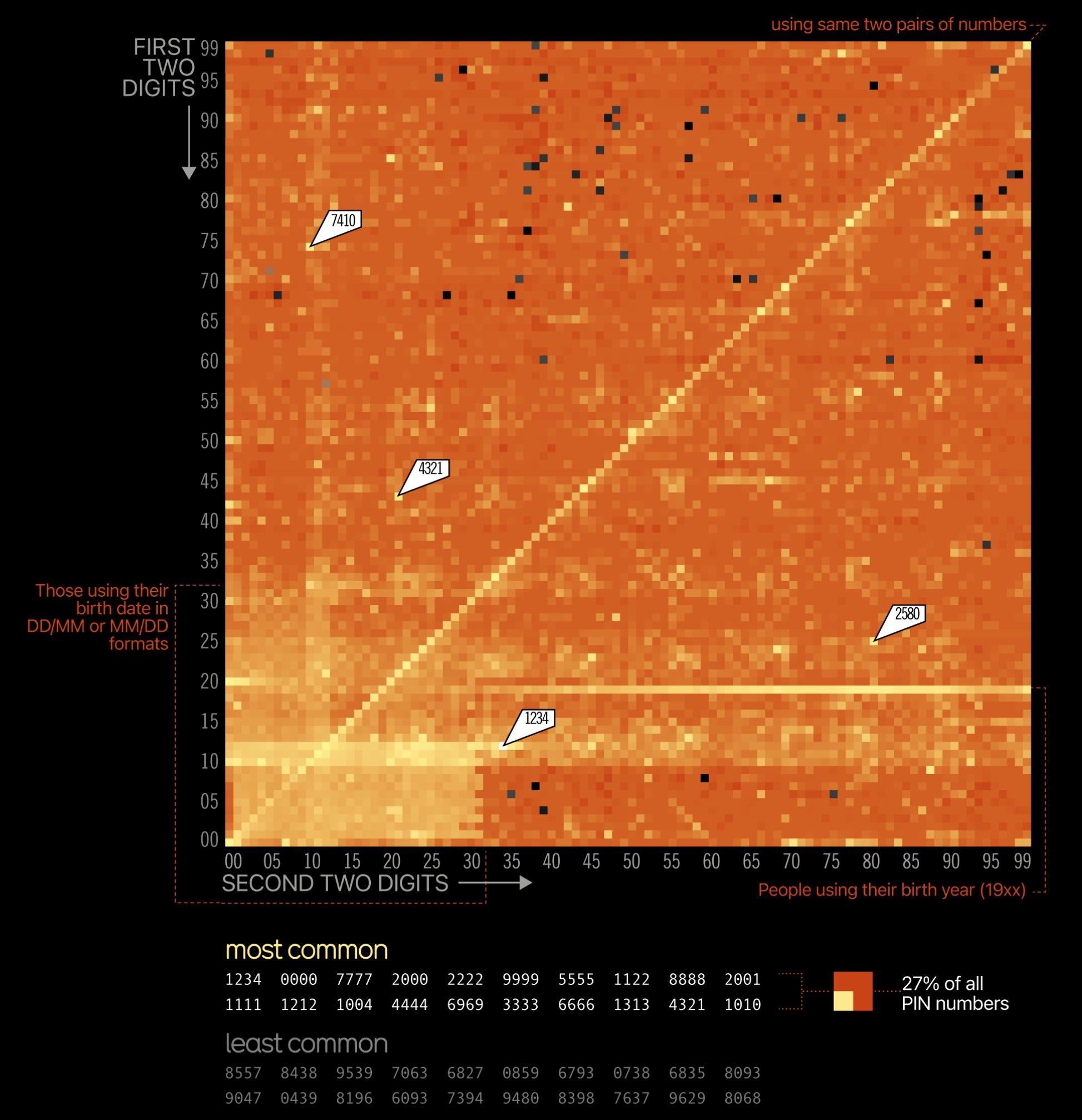
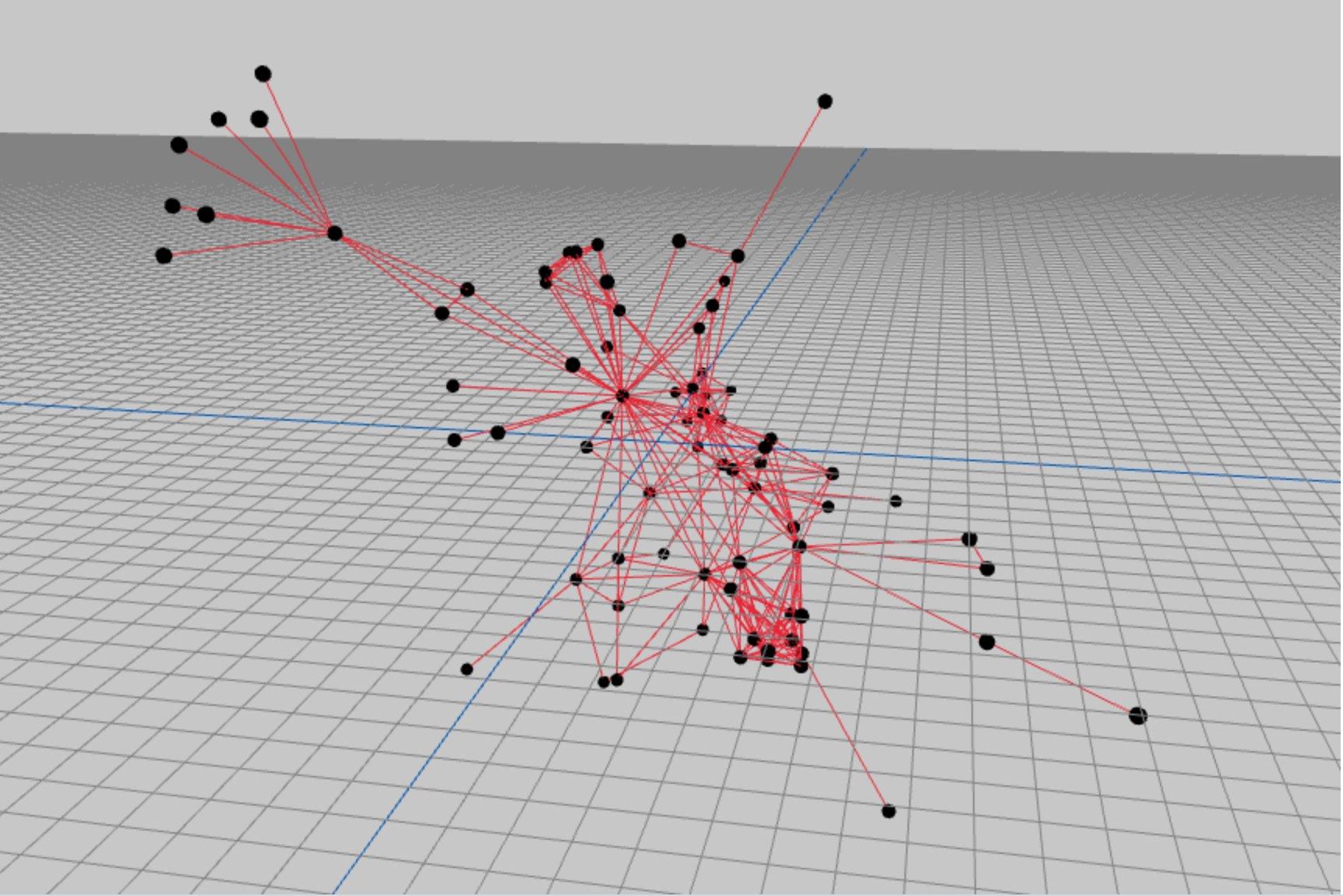
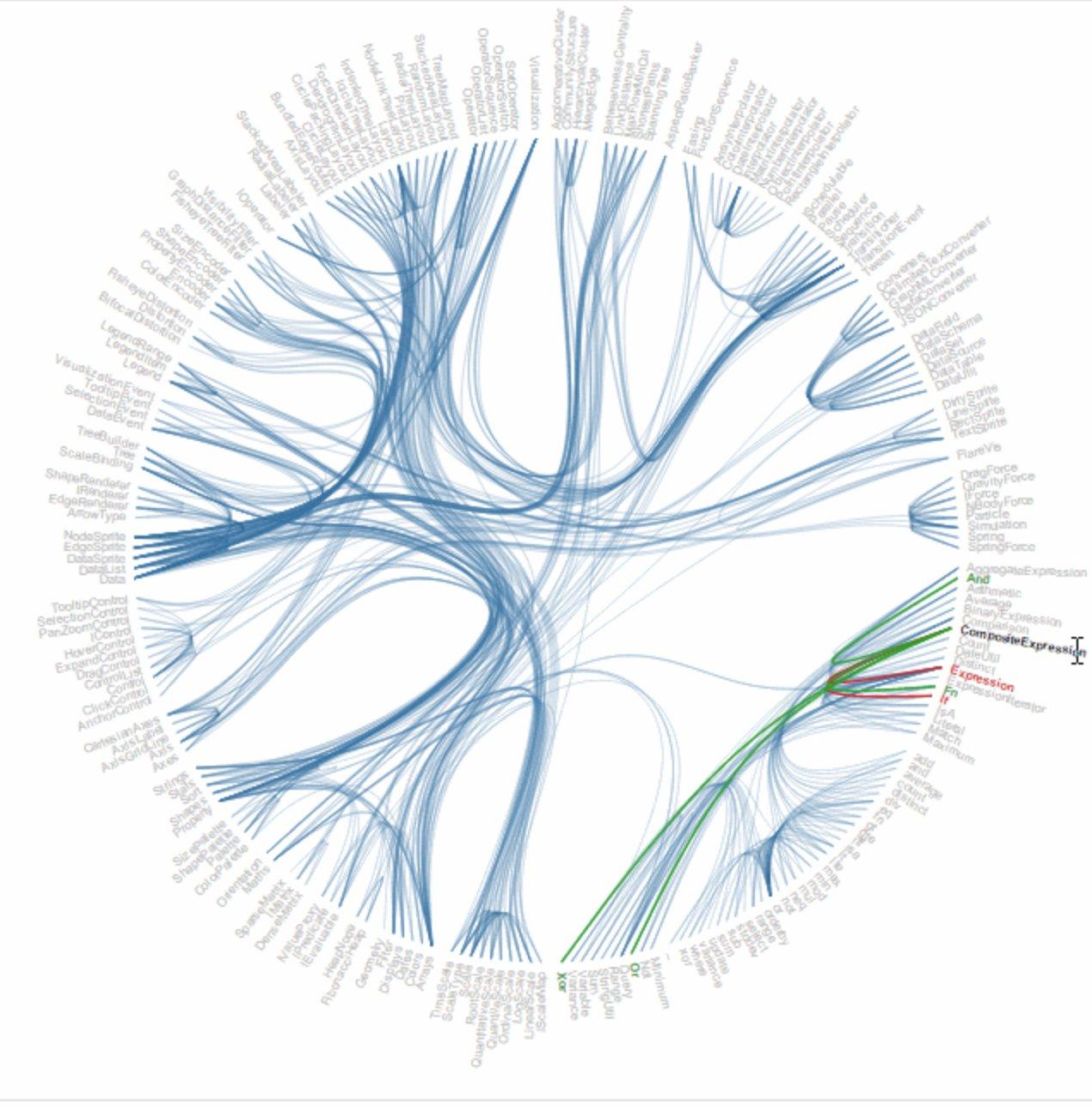
The best part is that the pretty patterns emerge from the data rather than any artistic intent.
This means that data is the perfect subject to explore procedurally.
Doing a bit of research I learned that this is a real phenomenon, where the key idea is that both nature and data are products of constraints. When you visualize either one by optimizing those constraints, similar forms emerge that are pleasant for the human brain because we are used to seeing them in nature. Similar to how blood vessels resemble the lines in leaves. The biological term for this is Morphogenesis.
Anyway, my goal was to visually represent that in a universe of data we are able to route your agent to what it needs. For that I wanted a software that would be able to generate infinite variants for:
- Website (code export either ThreeJS or WebGL)
- Static Backgrounds: used for social media or slides
#Particles & Inversion Windows
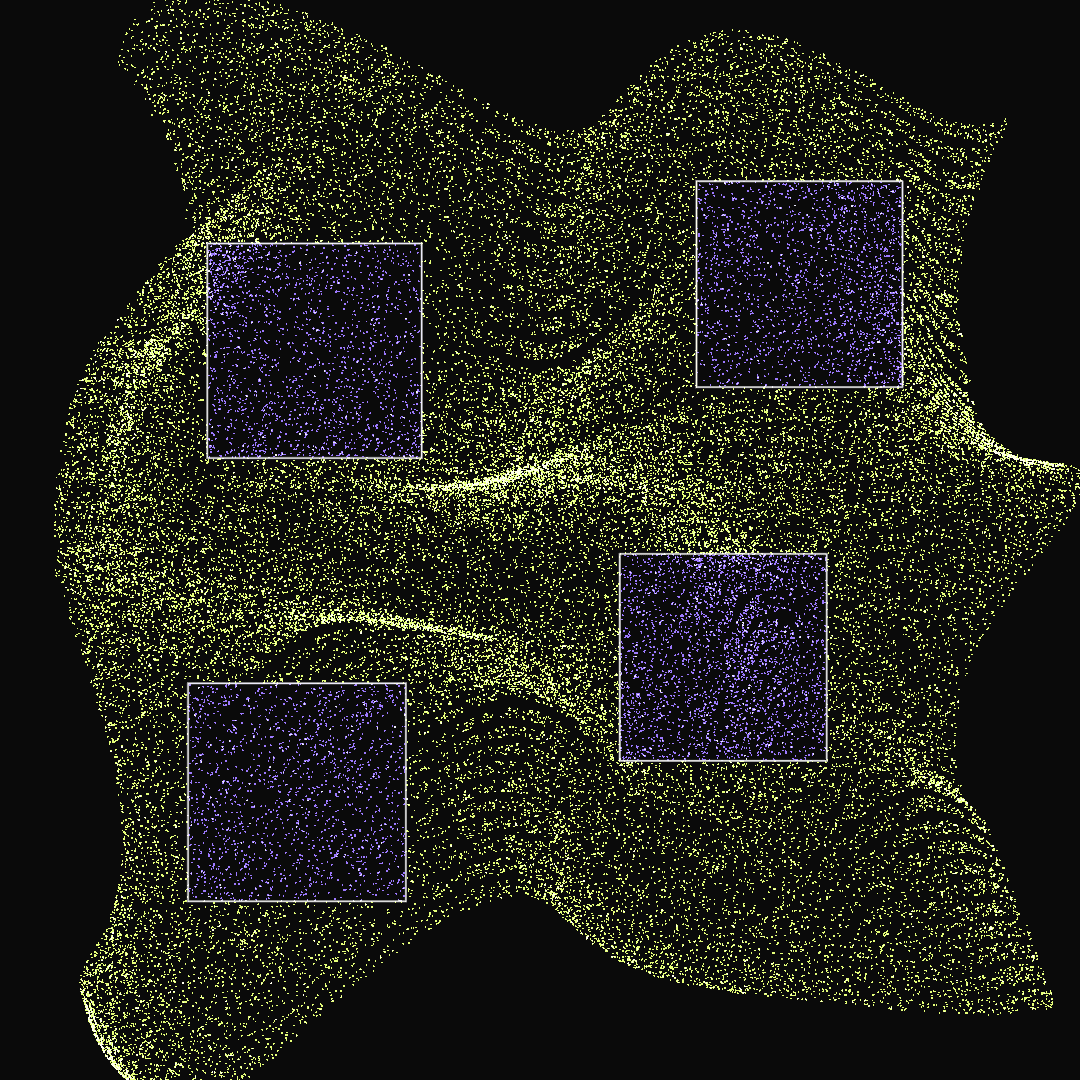
Quickly I decided to explore particles. I know it’s the most basic way of representing data, but I felt that there were a lot of possible parameters to tweak. Most importantly the shape of the cloud of particles, but also shape of individual particles, zoom, transparency, etc. Even being standard it had space for creativity. And the positive part of being a standard is that people might associate it with data.
To represent the highlighted data I was inspired by AI motion cameras that focus on subjects, and on x-rays.

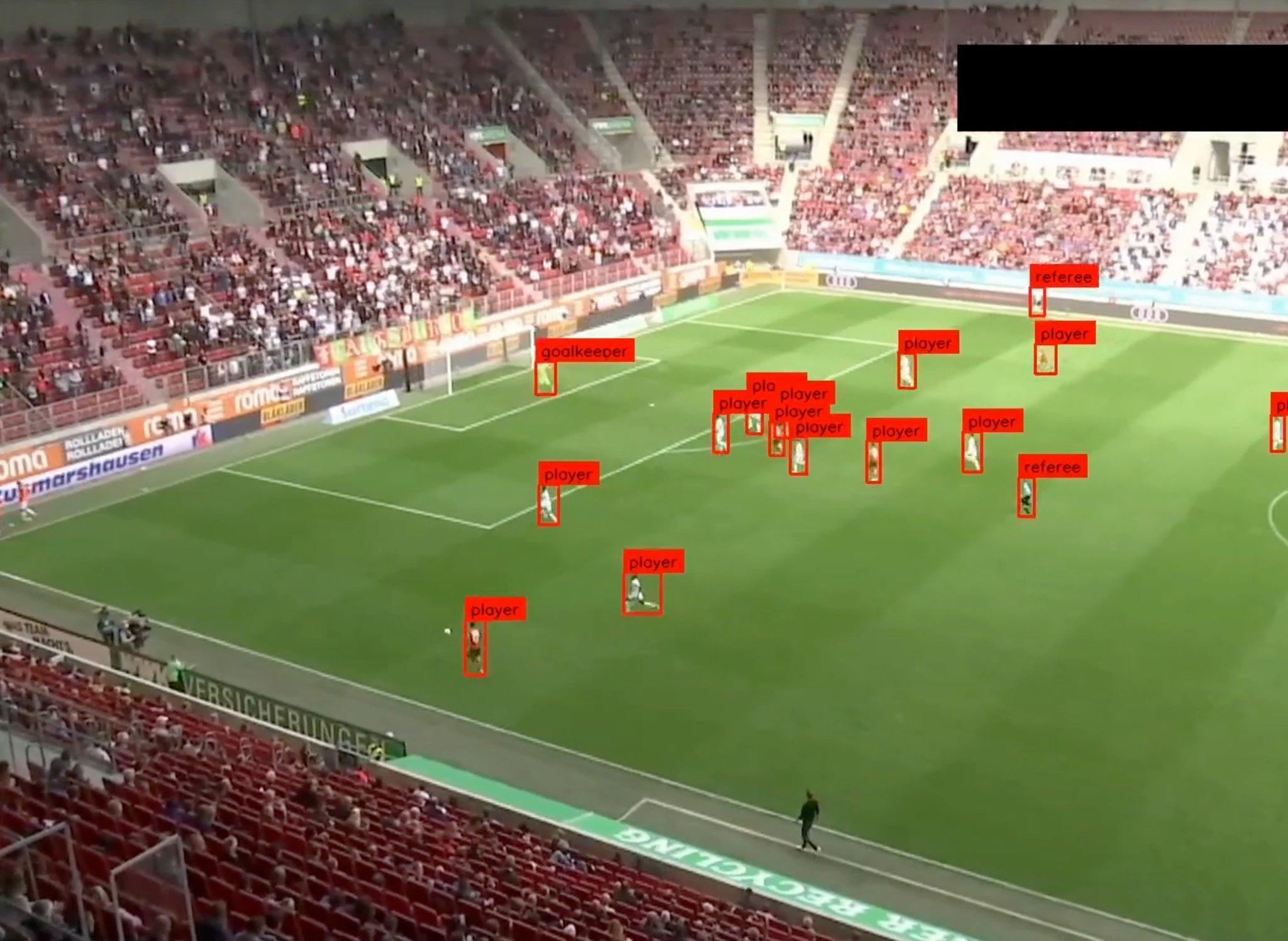
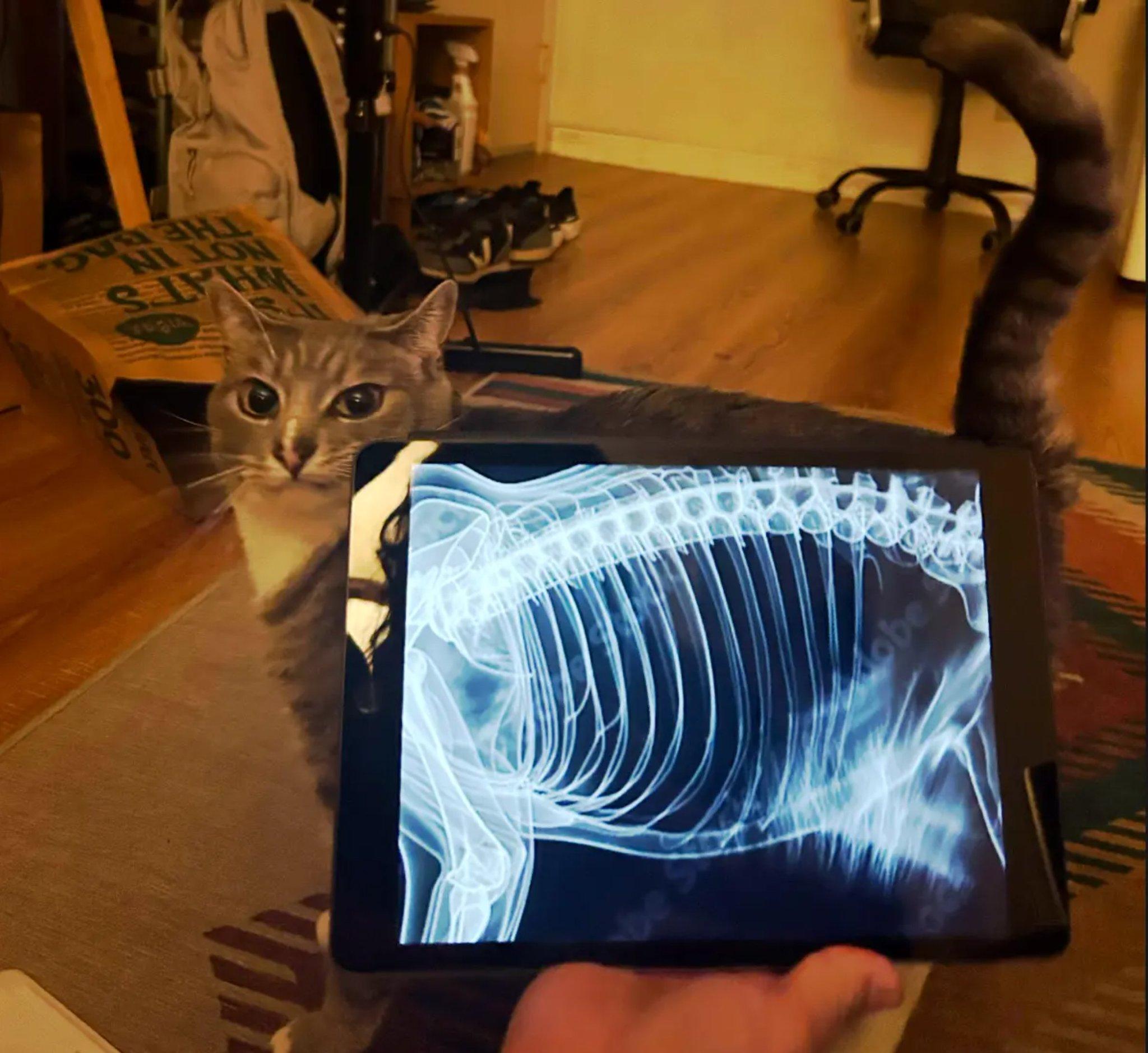
I really like the sensation of the moving windows and the contrasting effect the x-ray offers, literally inverting the view to a negative.
Putting everything together with a lot of prompting, I eventually arrived at a very nice effect that had huge potential for customization. The hardest part of the process was making the cloud of particles look nice, and not overwhelming. For this I went back to simulating forms found in nature, such as a helix.
#How It Works
The software works by combining and randomizing a set of parameters. The key to make every procedural change look nice is to know the limit to each parameter and make sure the combination works together.
You can play around with it here: particles-xray.vercel.app
#Parameters: Particles
Here we can modify how each particle looks:
- Amount
- Shape
- Color
- Size
- Opacity
More importantly we can set how the cloud where they are gravitating looks, by modifying the preset of the hidden structure (Helix, Rose, Spiral, Scattered Grid, Lissajous Curve, etc). Each structure has sub-parameters.
Also, the Flow Field allows customization for the way the particles are flowing with parameters such as time and noise scale, speed and attractor pull.
#Parameters: Inversion Windows
These are the windows that sit on top of the particles and create the inversion (or x-ray) effect. The most defining parameters is the mode of inversion, either Luminance Invert (full RGB inversion: the classic “negative”) or Hue Shift 180° (rotates only the hue halfway around the color wheel).
Other parameters include:
- Count
- Placement on the canvas
- Min and Max size
- Speed
- Stroke style (Basic, L-Framed, Dashed, Cross)
- Stroke details (color, opacity, width)
- Connectors boolean (applies a connector between all windows)
#The Result
By tweaking limits for each parameter, which ones should be randomized and a palette of pre-defined color options, we get a huge number of variations. Below are some examples.
I can exponentially increase the amount of randomness by simply adding more colors, but for now I decided to stick to a limited palette.
#Usage in code
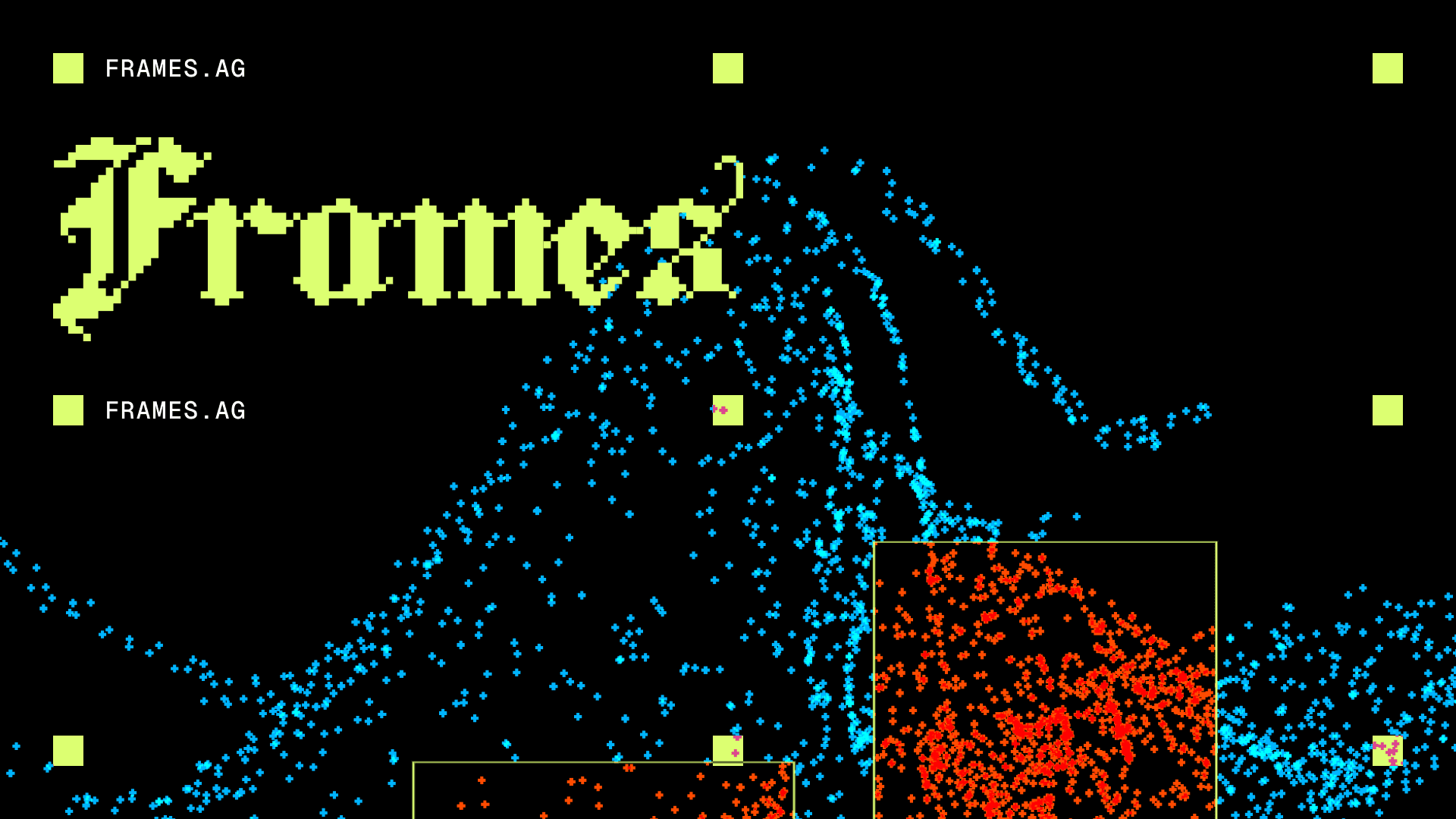
The best example is the hero at frames.ag. We have the cloud of particles that smoothly appears with the inversion windows. It flips colors depending on dark and light.
Nice detail: notice how the text also reacts to the inversion. It is placed inside the WebGL pipeline, so the shader treats it like part of the scene.
#Usage in graphics
I love combining it with blend modes. It is possible to create a grid structure with text and add Exclusion and Difference blend modes to the elements, and just throw the randomized graphics below it.
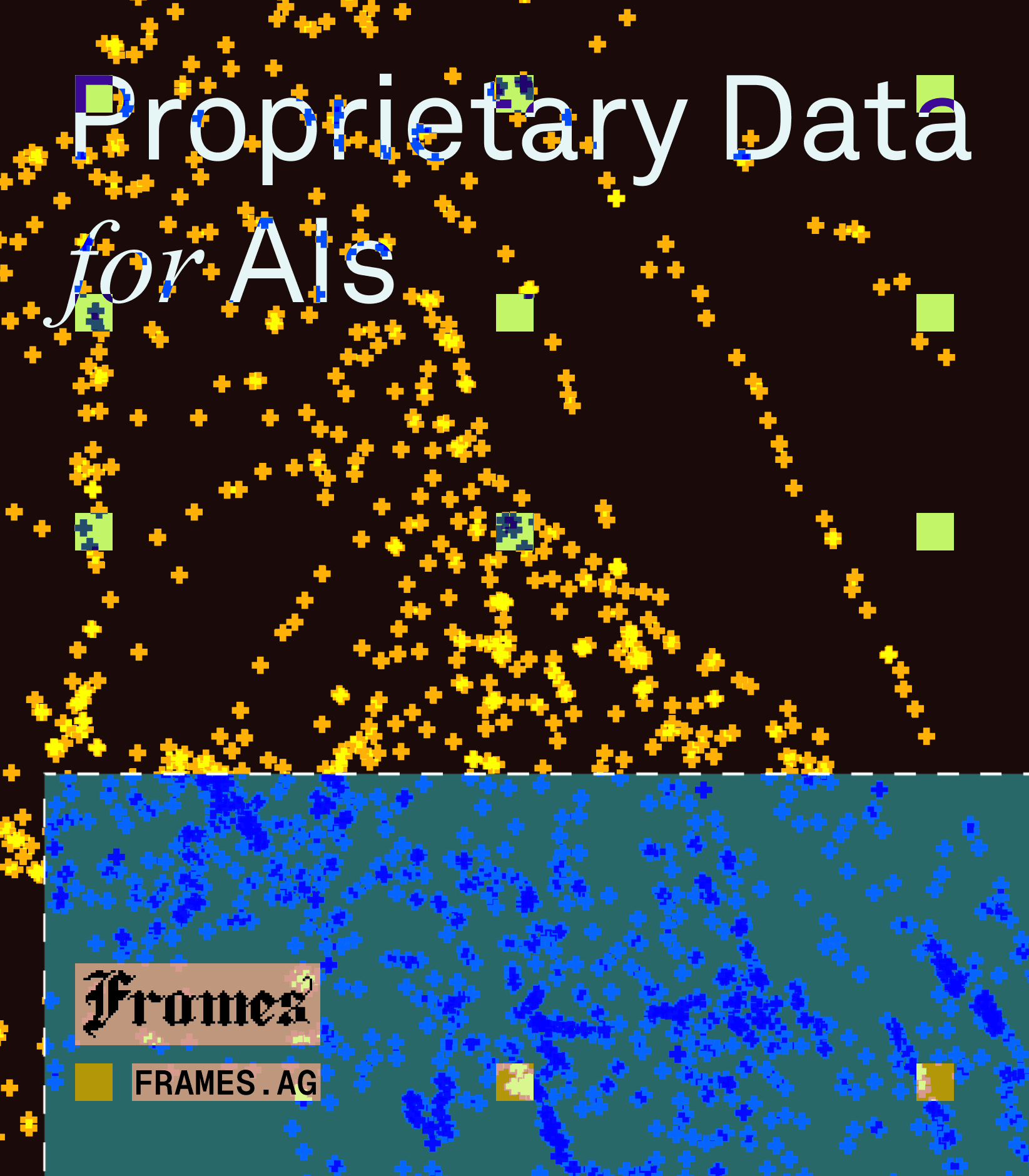

The blend modes also work well with image backgrounds. This can be useful to avoid overuse of the particle graphics.
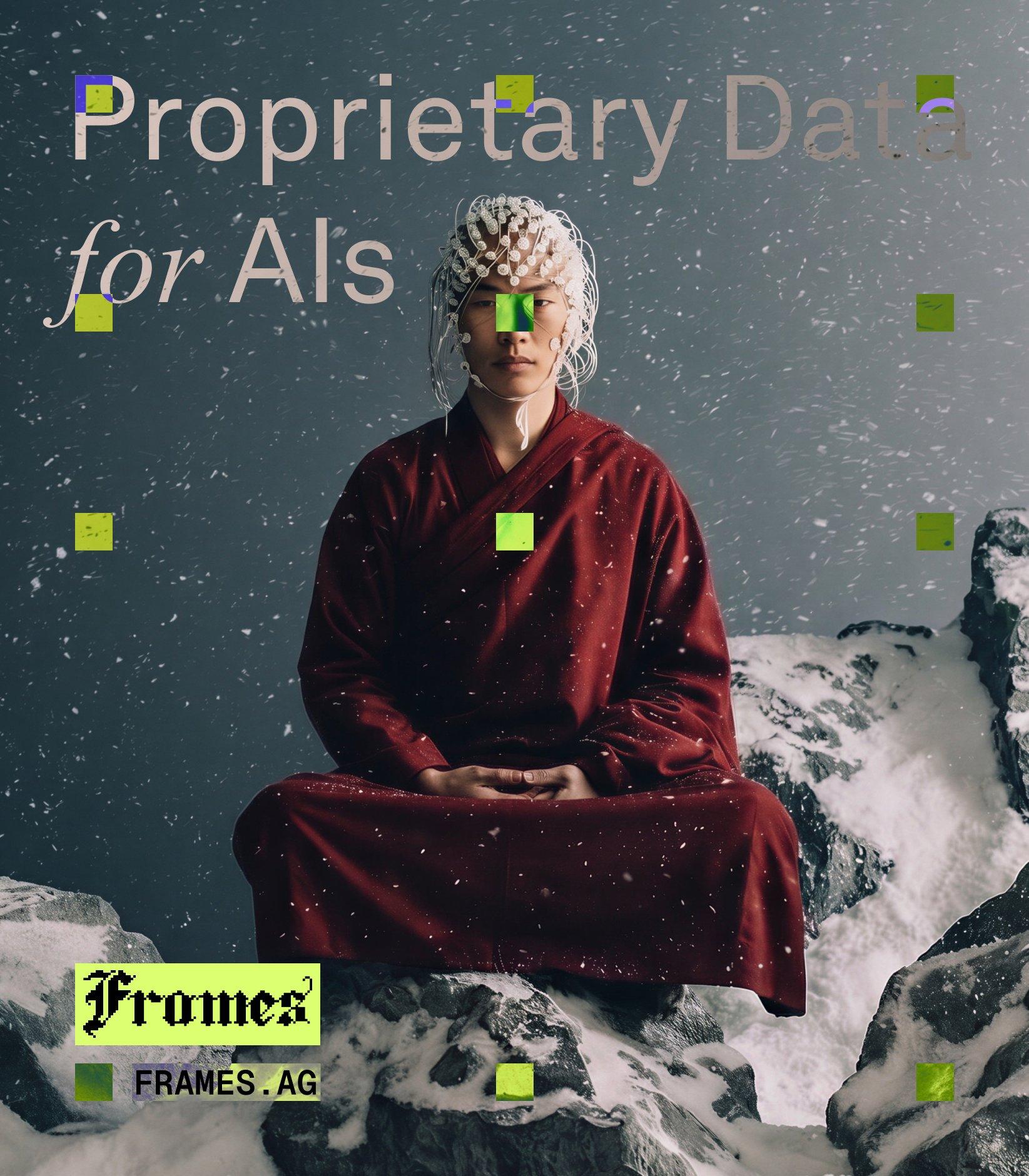
Here are some examples of slides:

#Other Tests
I tried to recreate images with particles and adding the inversion windows on top. I had mixed results, and am not using this a lot right now. I might revisit it at some point.
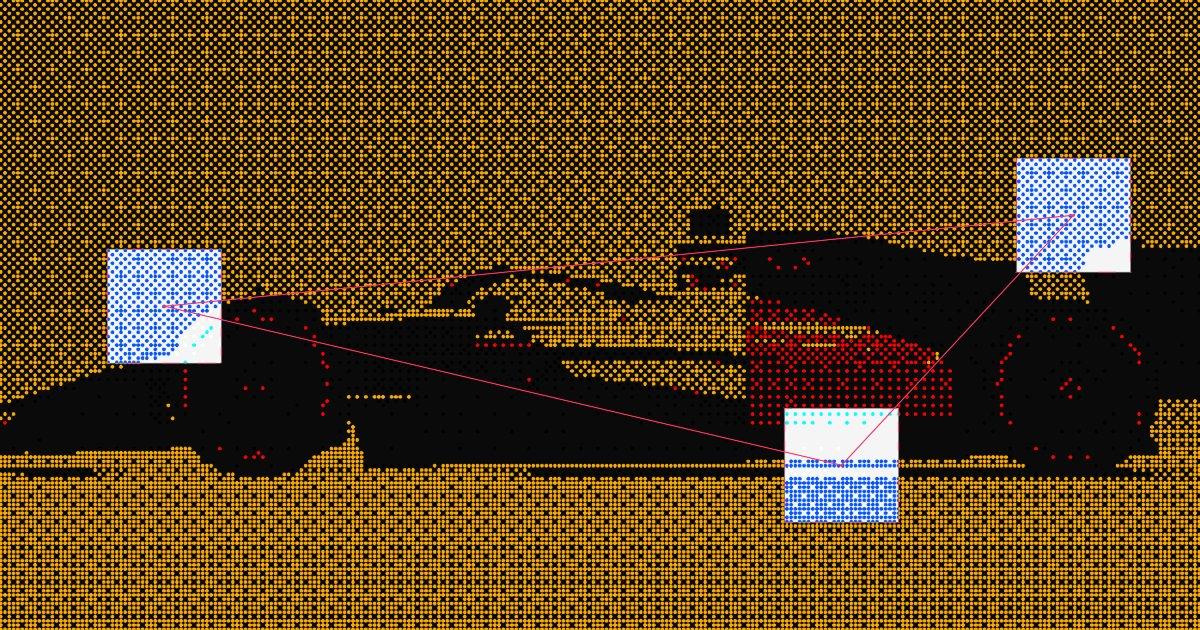
I created a shader effect where you place any SVG in and it rebuilds it with the particles and windows. This created a pleasant effect, but I feel like shaders are a bit overused at the moment so I’m also not focusing on that right now.
#Next Steps
I’m really happy with how this turned out. It has a lot of potential for variations and most of them I really enjoy.
I want to explore more with the different blend modes and procedural background. Difference + Exclusion makes the color of the text adapt according to the background, so I’m planning to build a tool that allows this composability of text grid and background.
If you’re using AI to create procedural designs, I’m super interested to see what you’ve built.
An agent using FRAMES-F1 could fetch this article through the X API. That’s the idea: giving your AI access to premium, paywalled data it couldn’t reach otherwise. You can try FRAMES-F1 for free at frames.ag
And if you want more tools like the one described here, I curate a selection of them at buildertools.sh.